Add Authentication Service
Create Authentication Components
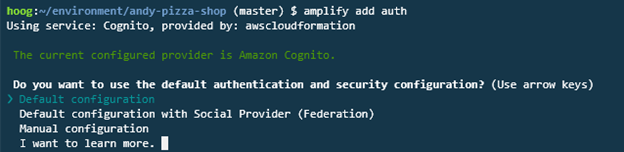
Next, you will add authentication capabilities for our application using Amazon Cognito. To do this, we simply need to run the following command from our project directory:
amplify add auth
You can only add one Authentication provider to your Amplify project.
Select Default configuration for the first choice.
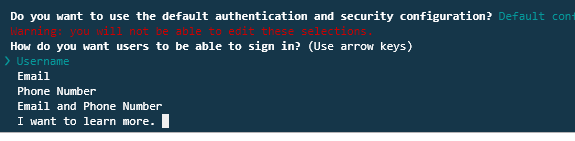
Select Username for the user to sign in with a username:
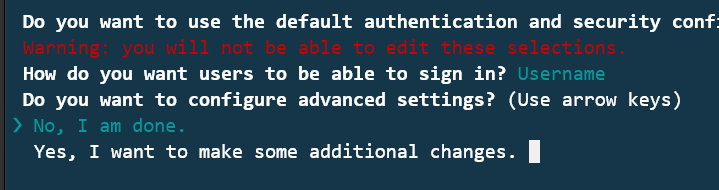
Select, No, I am done. We do this because we do not want to add additional profile fields (though we could):
Push the authentication changes to AWS
The amplify add auth command only saved files locally. We need to run the amplify push command to deploy our changes to our AWS account.
To push our changes to AWS, run the following:
amplify push
You will be prompted to complete the changes. Select Y and the deployment will begin.
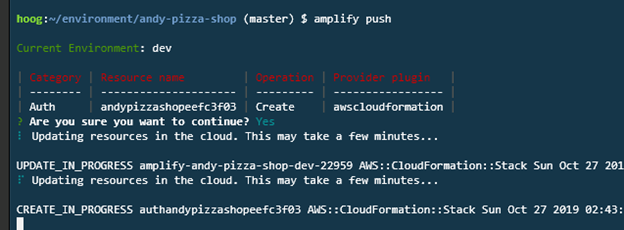
You can run the amplify status command to get a list of all pending and completed changes for your project.
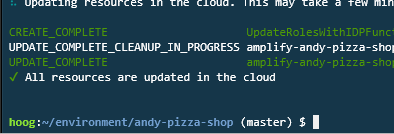
Once the deployment is completed, you will receive a success message.