Host Web Application
Host your application
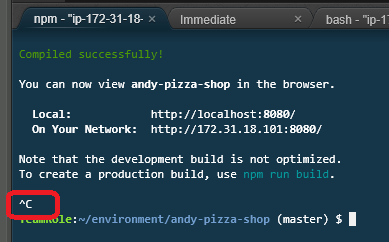
In this section, you are going to deploy your web application to an AWS hosted website using the amplify add hosting command. If the web server is running, press CTRL-C to stop the current running server.
amplify add hosting
Select Amazon CloudFront and S3 for the first choice, and then PROD (S3 with CloudFront using HTTPS).
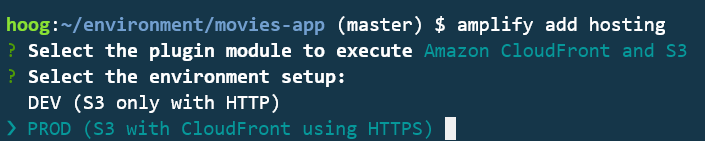
Keep the defaults for the other questions:
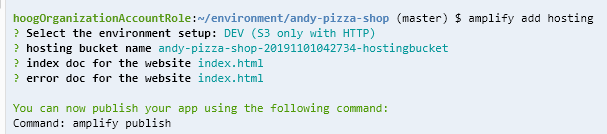
For production websites, Amazon Cloudfront will be used as the access point for websites backed by S3. It provides many advantages, including performance, security and additional features.
Use amplify publish to deploy the site.
amplify publish
Once the deployment is completed, you will receive a success message, along with the endpoint location.
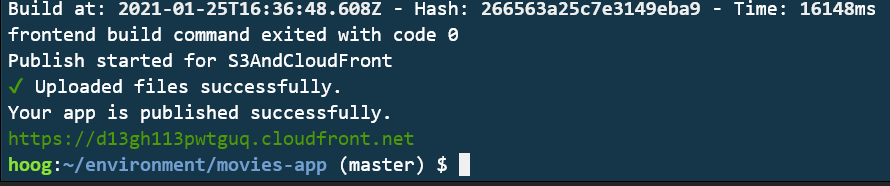
Click on or copy the location and view it in a browser. You should see your deployed website!
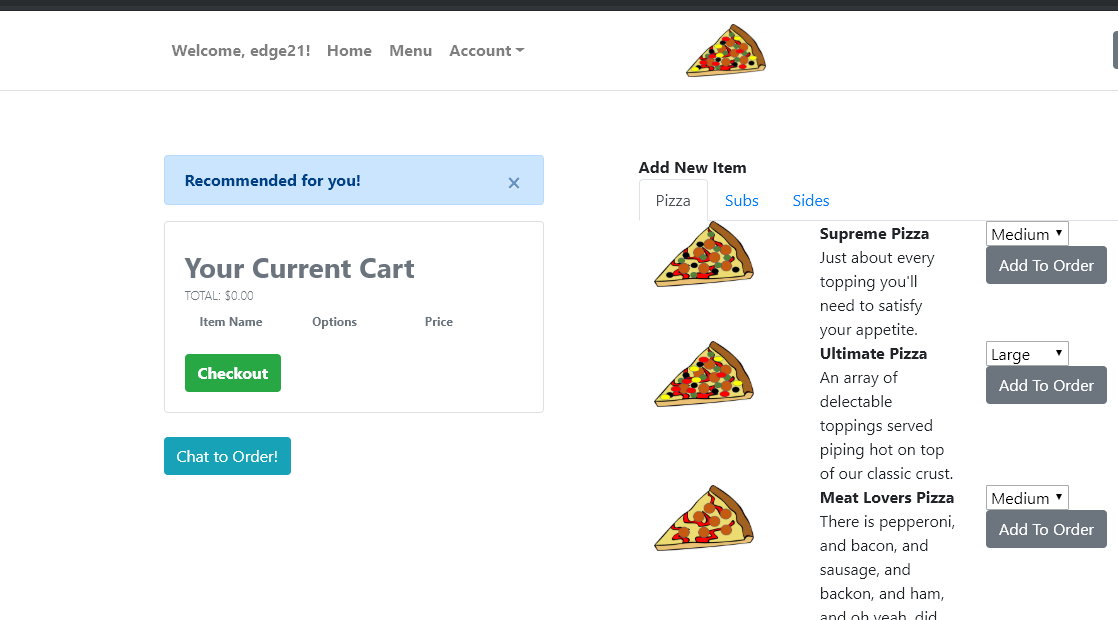
Ensure that the web application is functioning as expected. Before moving on to the next step, make sure that your local development server is stopped. You can use CTRL/CMD-C to stop the running server.
Now, move on to the next step!