Login to Your AWS Account
Login to your AWS Account
If you already have an AWS account, go ahead and login to that Account, and you can skip the section below and continue on to the next page in the workshop.
If you need an AWS account, continue with the instructions below.
Using the AWS Event Engine
-
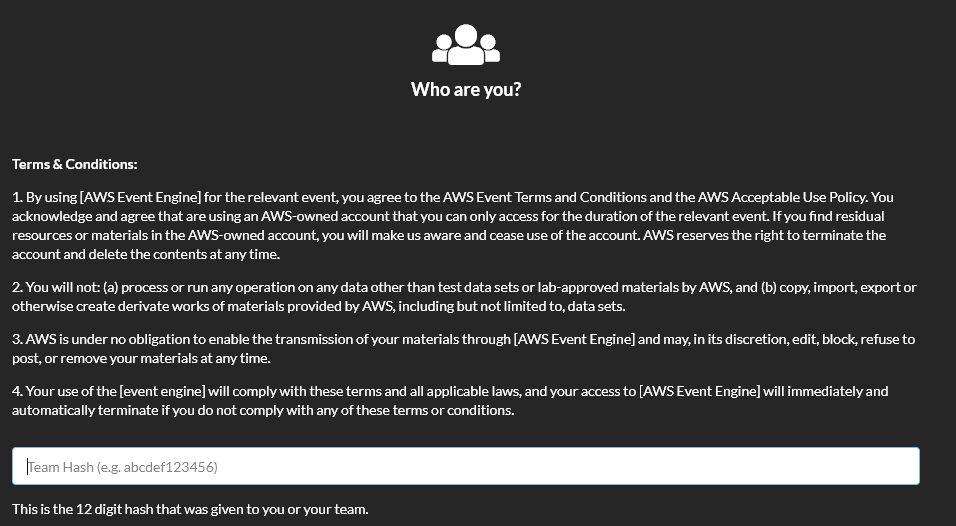
Go to the following URL to access Event Engine: https://dashboard.eventengine.run/
-
Enter the 12 character hash code that was given to you by the instructor, and then click Accept Terms and Login:

-
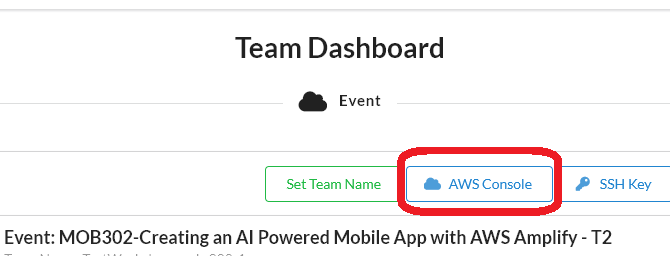
On the Team Console page, click AWS Console
-
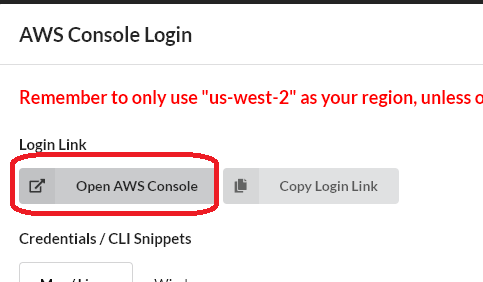
Click the Open AWS Console button:
-
You will now be logged in to your AWS account and can proceed to the next step:
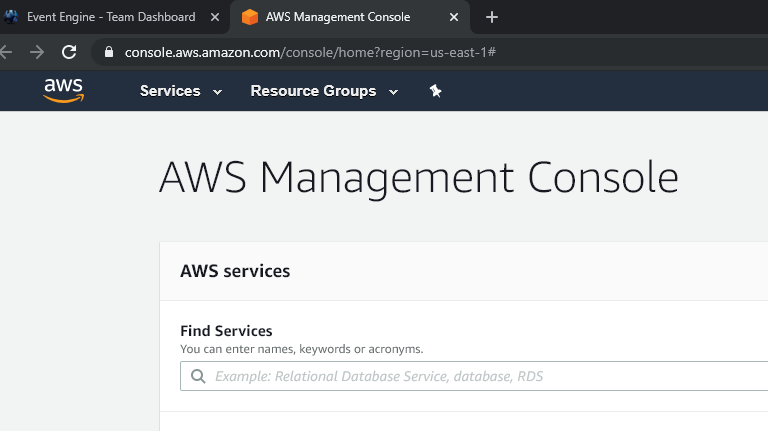
The AWS Account that is being provided through the AWS Event Engine is provided for the duration of the workshop only.