Create Development Environment
Create a Cloud9 Environment
If you do not have a Cloud9 environment already created, use these instructions to create a new Cloud9 environment.
AWS Cloud9 is a cloud-based integrated development environment (IDE) that lets you write, run, and debug your code with just a browser. The advantages to using this in our workshop is it:
a. provides isolation from your local workstation/IDE
b. provides integration with AWS services
c. provides initial toolset need to create our application
d. can be de-provisioned at the conclusion of our workshop
-
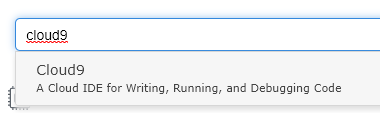
From the AWS Console, ensure you are using the us-east-1 (N. Virginia) or us-west-2 (Oregon) region, and then select Cloud9 under Services…
-
Click Create Environment

-
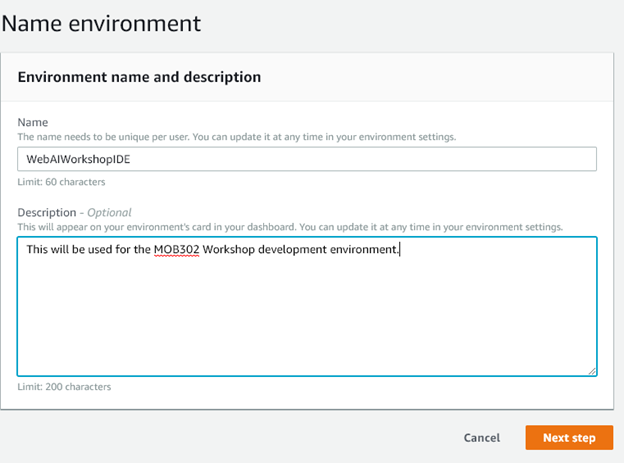
Enter the name and description of a Workshop:
- Name:
WebAppWorkshopIDE - Description:
This will be used for the React workshop - Then click Next Step:
- Name:
-
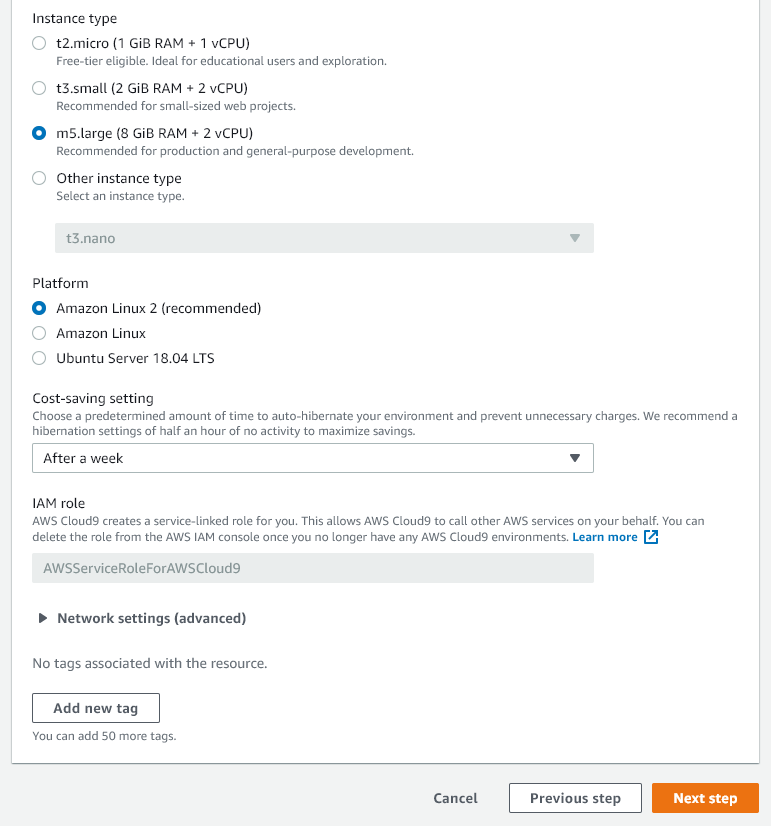
Change the instance type to m5.large and change the cost savings setting to After a week. Leave other settings as the default, then choose Next Step:
-
Click Create Environment and wait for the environment to become available:
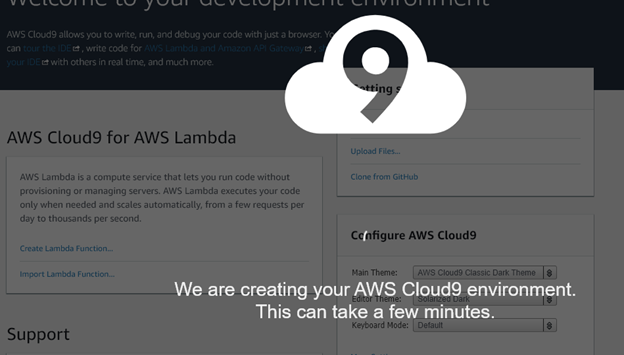
-
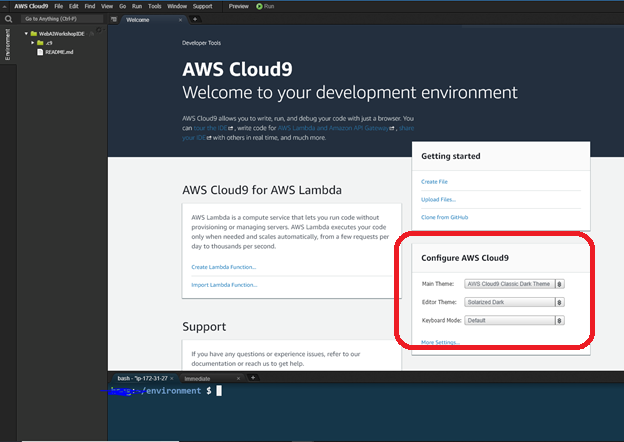
Once your Cloud9 environment is created and available, and you can begin the next step. The recommendation is to change the theme to AWS Cloud9 Classic Dark Theme, but you can set your own preferences.