Login to the Dev Environment
Login to the Cloud9 Environment
To begin, you will need to login to your AWS account and open the existing Cloud9 environment.
AWS Cloud9 is a cloud-based integrated development environment (IDE) that lets you write, run, and debug your code with just a browser. The advantages to using this in our workshop is it:
a. provides isolation from your local workstation/IDE
b. provides integration with AWS services
c. provides initial toolset need to create our application
d. can be de-provisioned at the conclusion of our workshop
-
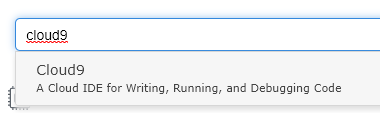
From the AWS Console, ensure you are using the us-west-2 (Oregon) region, and then select Cloud9 under Services…
-
Click Your environments from the left menu. There should be a MOB302 Workshop Environment. Click Open IDE
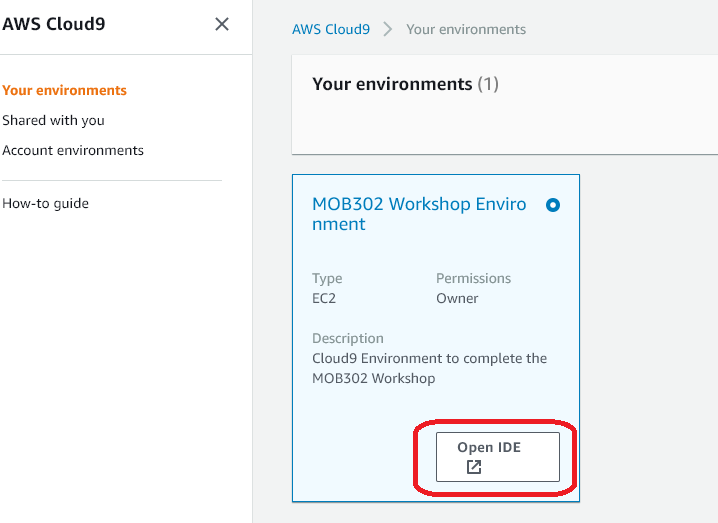
If you do not see a Cloud9 environment, check to make sure you are using the region that was assigned to you in the workshop. Otherwise, you can view instructions in Section 6: Appendix to create a new Cloud9 environment.
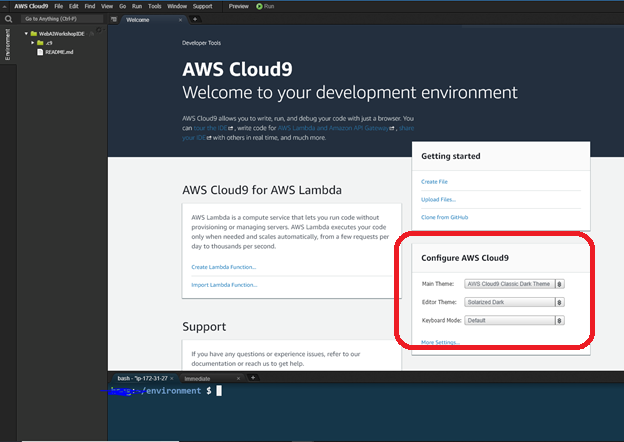
3. Once your Cloud9 environment is loaded, the recommendation is to change the theme to AWS Cloud9 Classic Dark Theme, but you can set your own preferences.